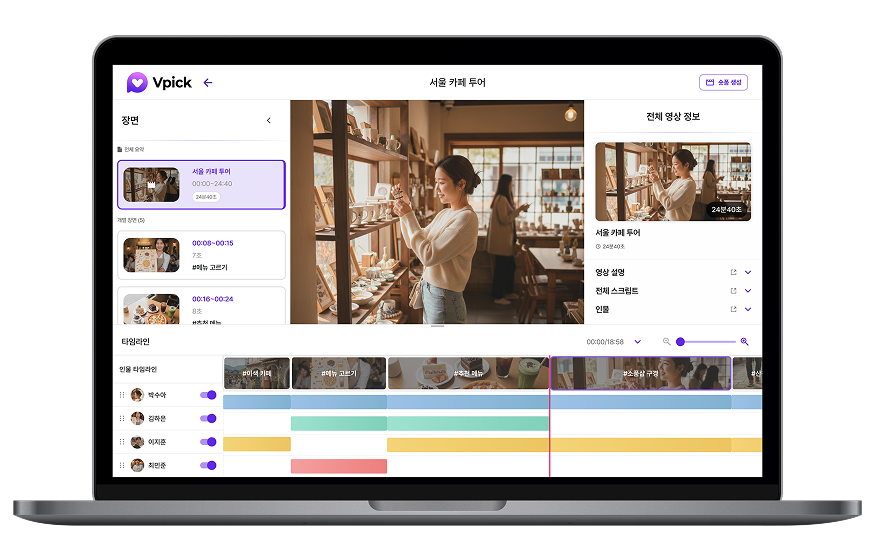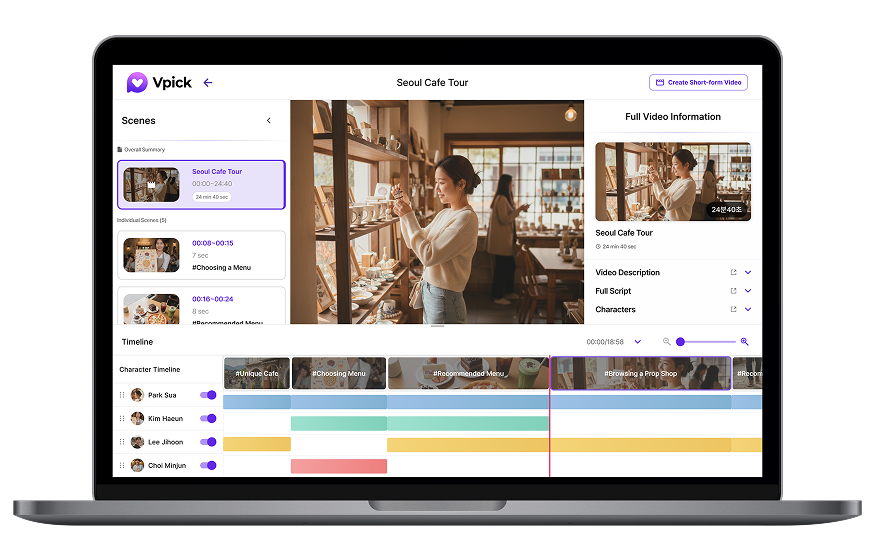

As the number of videos grows, the most important question becomes:
“How quickly can you find the exact scene you need?”
Vpick’s search feature goes beyond simply locating videos by title or file name.
It is designed to search directly within the scenes inside a video.
In this tutorial, we’ll show you how to use auto-suggested keywords and natural language search in Vpick to quickly locate the scenes you’re looking for.
Auto-Suggested Keywords
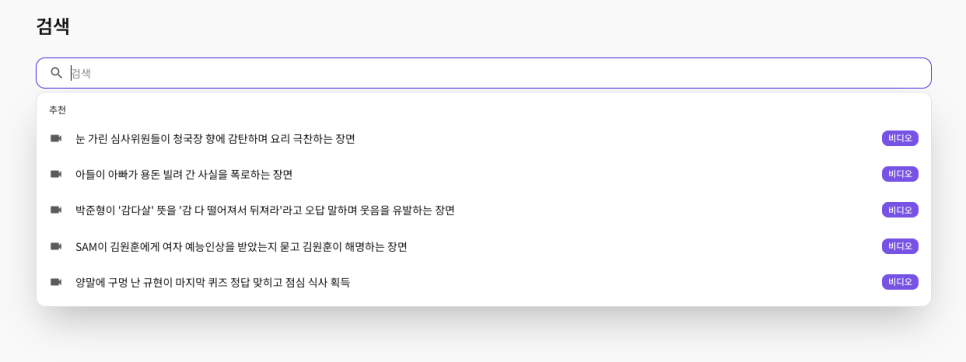
When you click the search bar, Vpick automatically analyzes the five most recently uploaded videos and suggests highlight scenes that users are most likely to search for.
These suggested keywords are generated by AI based on the video analysis results, identifying scenes that users are likely to look for frequently.
By clicking one of the suggested keywords, you can immediately jump to the section of the video that contains that scene and start playback.
Even if you don’t remember the exact video title or details, these suggestions make it easy to quickly explore important moments—especially during the initial discovery stage.
Finding Scenes with Natural Language Search
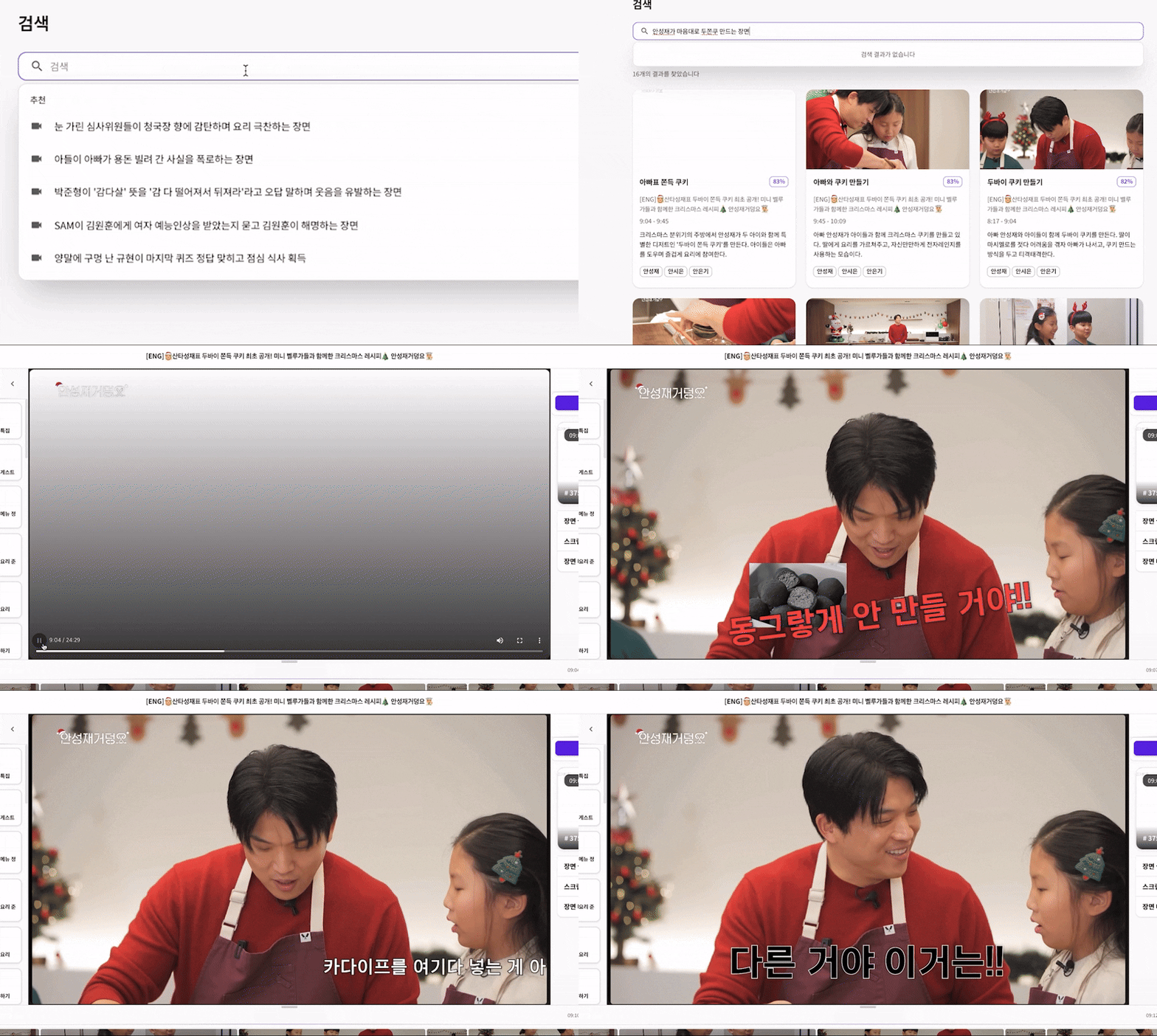
In Vpick, you can search for scenes using natural language sentences, just as you would describe them.
Instead of relying only on video titles or tags, Vpick analyzes multiple types of information including:
• Scene summaries
이 이루어지기 때문에 찾아보고자 하는 장면을 보다 쉽고 빠르게 검색할 수 있습니다.
• Scripts (captions)
• People detected in the video
• Contextual relationships between scenes
Because the search is based on AI video analysis data, it allows you to find relevant scenes much faster and more accurately compared to traditional video search tools.
For example, if you type:
“a scene where the chef casually prepares the dish”
Vpick will display scenes ranked by similarity to your query.
Click any result to immediately play that section of the video and verify whether it’s the scene you were looking for.
🔎 Search Tip!

Vpick’s search function is not just about finding videos in a list.
Its key advantage is that you can search based on scenes within the video itself.
You don’t need to remember exact keywords or phrases.
Instead, try describing the moment in your own words—such as:
-
• a person’s action
• a situation
• the context of the scene
Conclusion
The less time you spend searching for videos,
the more time you can spend creating content.
With Vpick’s auto-suggested keywords and natural language search, you can quickly locate the exact scenes you need inside your videos.
When the way you search changes,
the way you use video changes as well.