
Refine your auto-generated shorts.
Enhance quality with simple editing tools.
Enhance quality with simple editing tools.
Refine your auto-generated shorts.
Enhance quality with simple editing tools.
Enhance quality with simple editing tools.
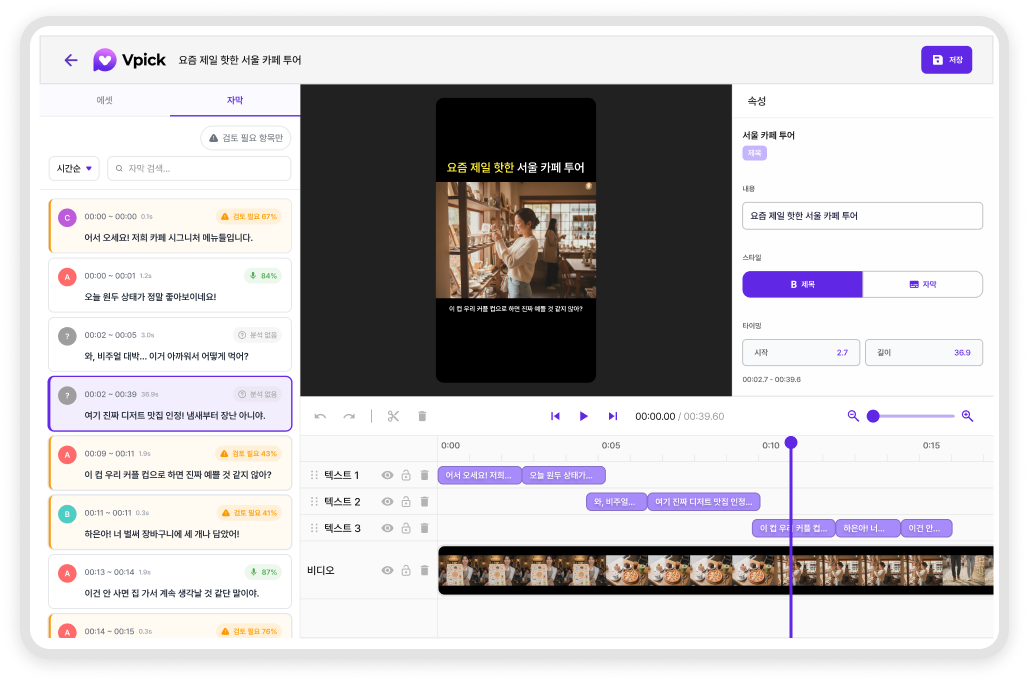
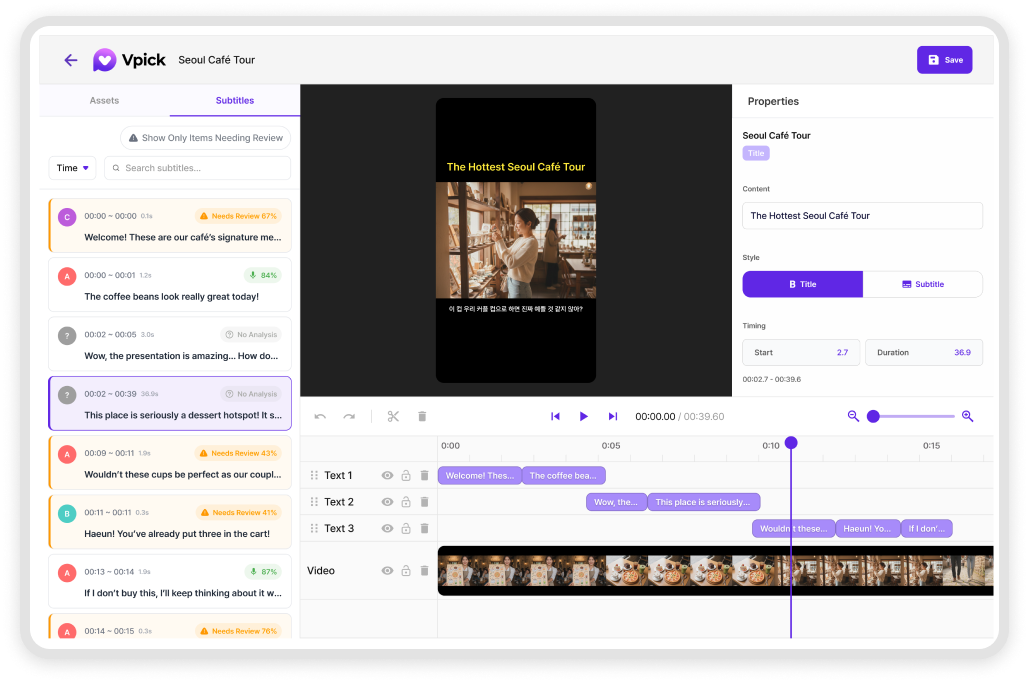
Text Editing
Edit titles and captions your way
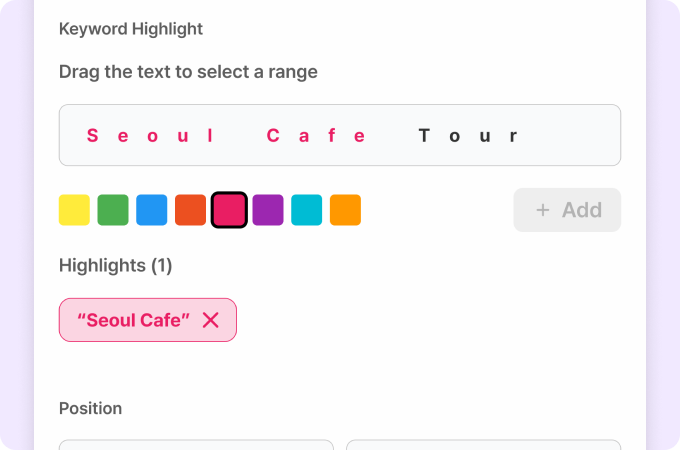
Customize titles and subtitles your way
Modify auto-generated titles and subtitles easily.
Adjust font size, position, and emphasis.
Adjust font size, position, and emphasis.
Modify auto-generated titles and subtitles easily.
Adjust font size, position, and emphasis.
Adjust font size, position, and emphasis.
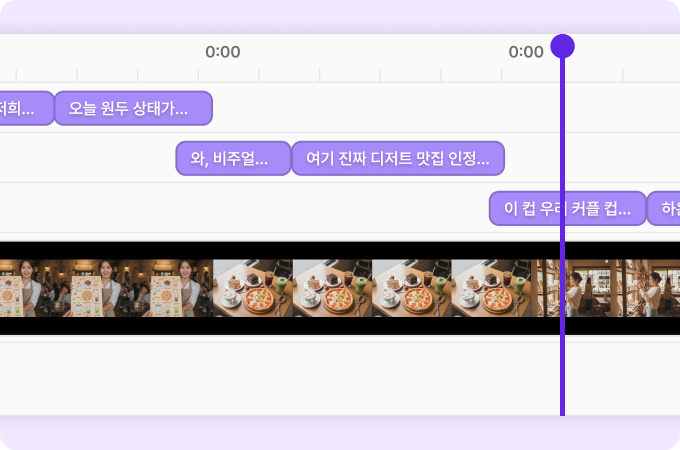
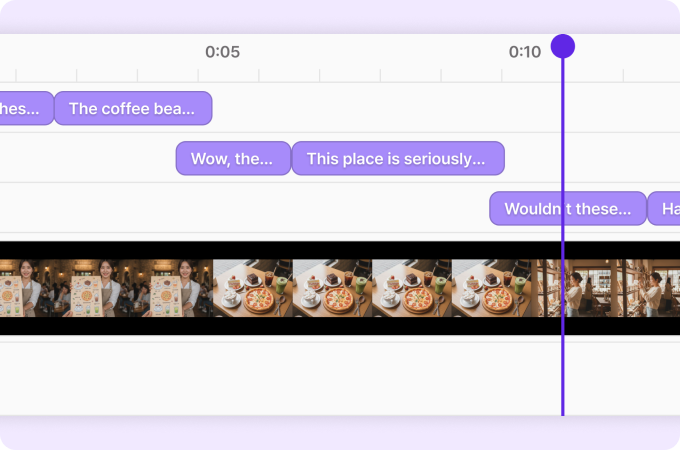
Subtitle Timing Adjustment
Fine-tune subtitle timing
Fine-tune subtitle timing
Adjust subtitle timing to match
the natural flow of your video.
the natural flow of your video.
Fine-tune timestamps for each line so they align perfectly with the video flow.
Easily fix any mismatches between speech and captions.
Easily fix any mismatches between speech and captions.
Review Guidance
Automatically highlight subtitles for review
Automatically highlight subtitles for review
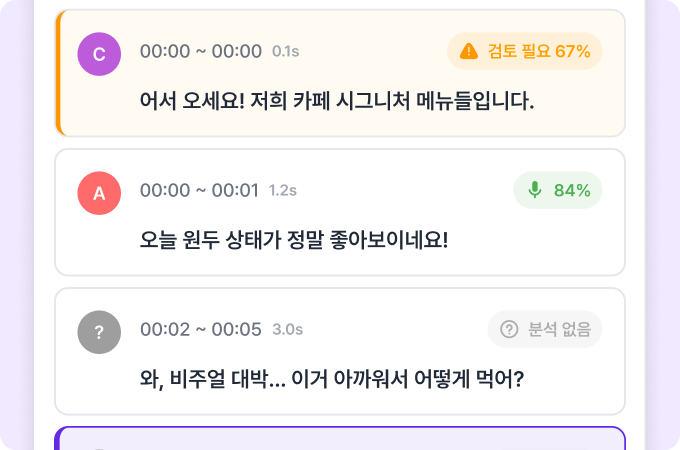
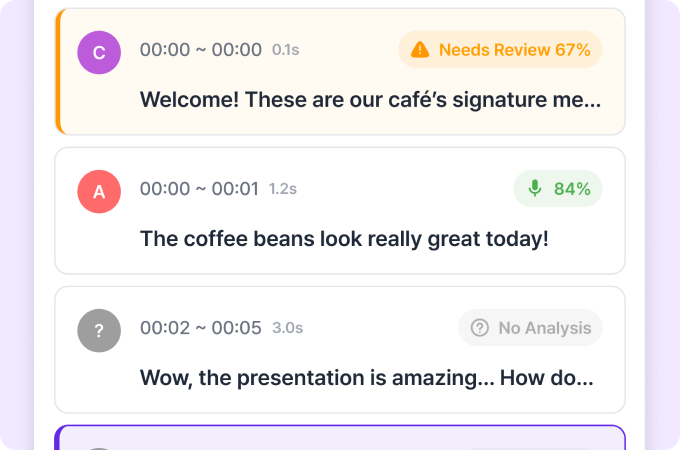
AI detects typos or awkward phrases
and flags them for quick correction.
and flags them for quick correction.
AI detects typos or awkward phrases
and flags them for quick correction.
and flags them for quick correction.
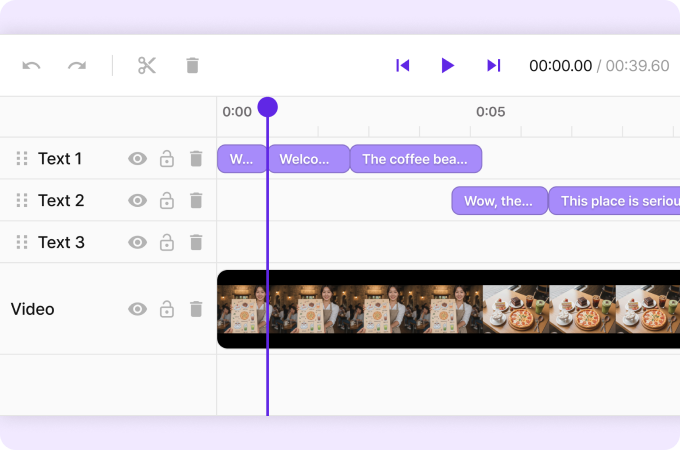
Segment Editing
Keep only what matters
Keep only what matters
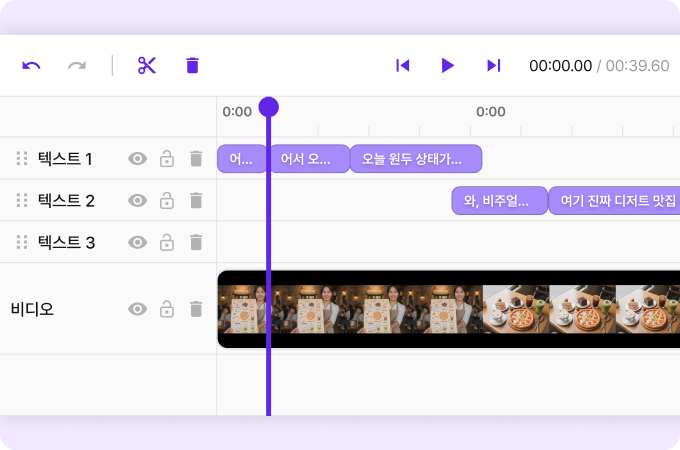
Trim unnecessary parts
to create a cleaner, more concise short.
to create a cleaner, more concise short.
Trim unnecessary parts
to create a cleaner, more concise short.
to create a cleaner, more concise short.
How you can use this in practice
How you can use this in practice
Improve brand-ready short-form content
Adjust subtitle tone and add logos to maintain a consistent brand style
Refine interview and explainer videos
Trim unnecessary sections and align subtitle timing to deliver a clear, focused message
Fine-tune AI-generated results
Make minimal adjustments to AI-generated clips for a more natural and polished final result
Finalize content before social media upload
Insert campaign messages, project names, or account details so your video is fully ready before upload
Upload one video and see the difference
Upload one video and see the difference
Experience how much easier your workflow becomes.
Experience how much easier your workflow becomes.